Scalar
A sound level meter and audio spectrum analyzer for iPhone. See how loud a space is, what frequencies are in it, and how it changes over time.
Features
Four views of the same live audio, all in one app.
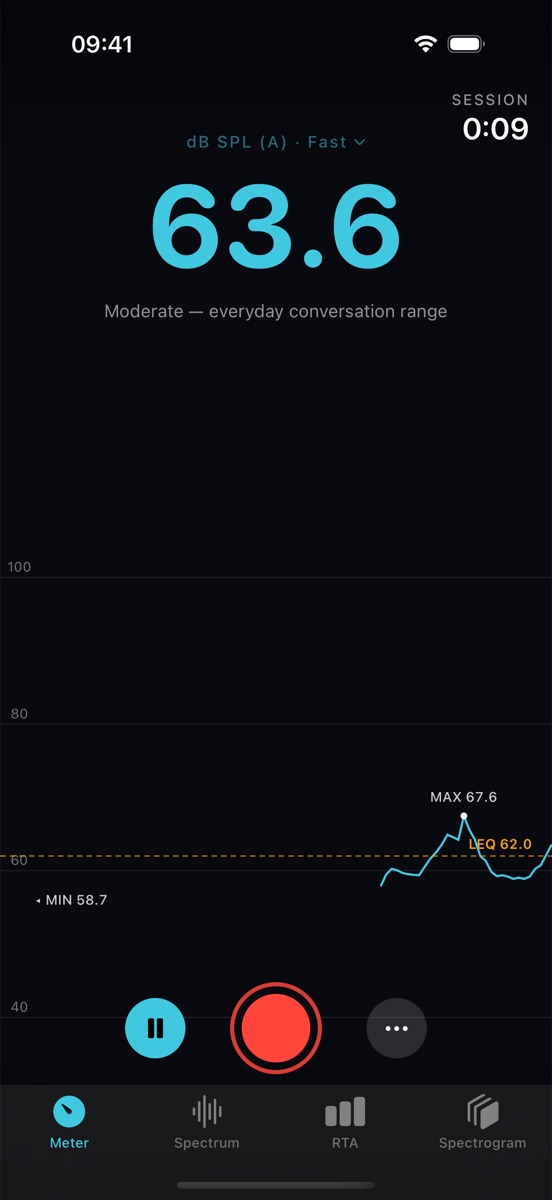
Sound level meter
Live dB SPL with A, C or Z frequency weighting and Fast or Slow response. Each session tracks Leq (average level), minimum and maximum, with a level history graph. Export a session as a CSV file.
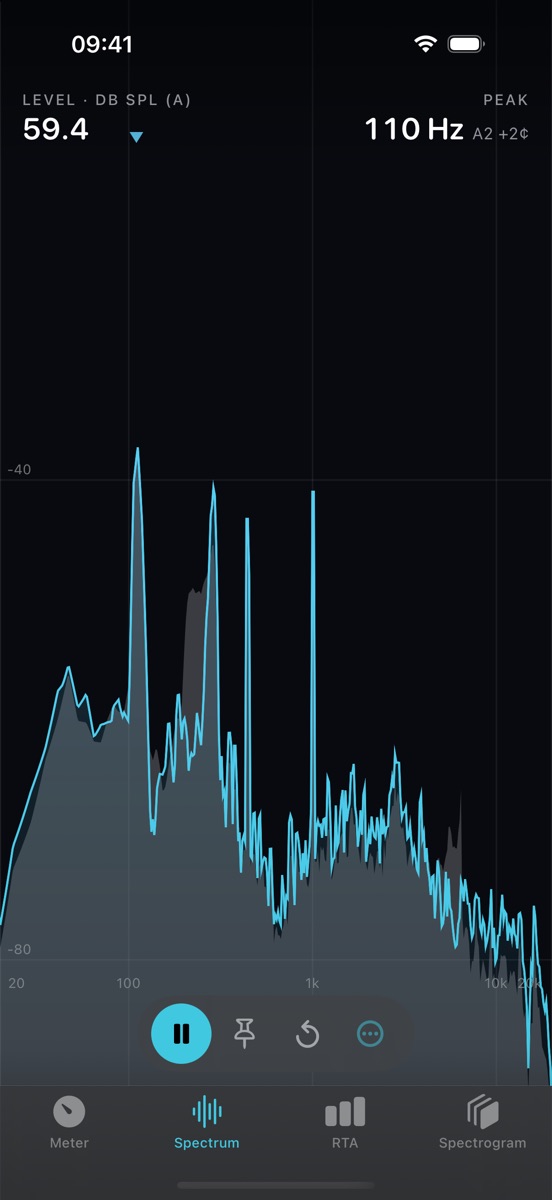
Spectrum analyzer
A real-time FFT spectrum from 20 Hz to 20 kHz. Scalar marks the strongest frequency and names the nearest musical note. Drag across the plot to read the level at any frequency, and use peak hold to catch short events.
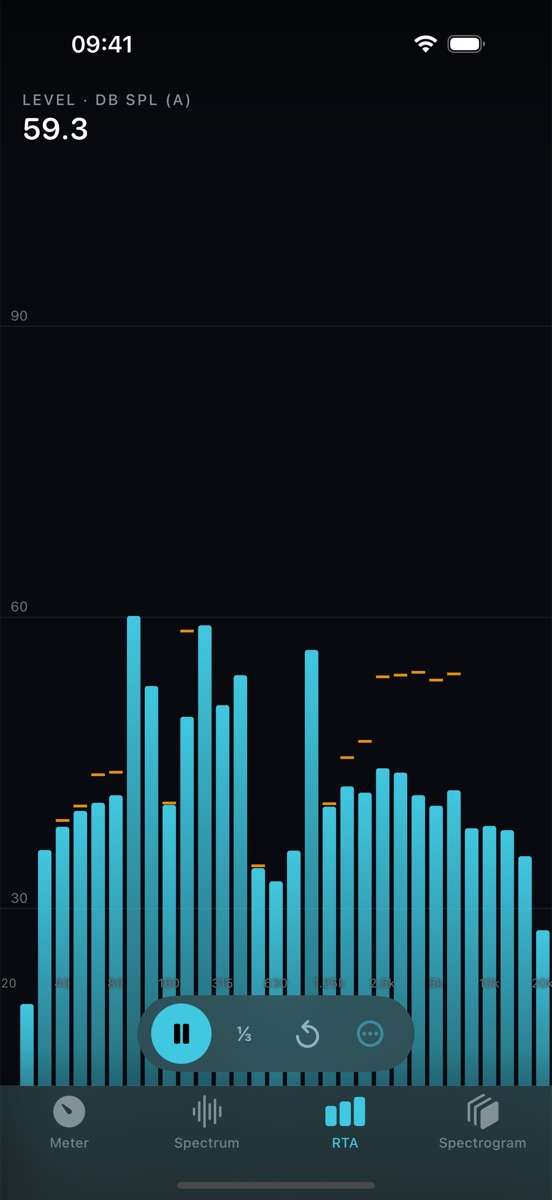
Octave-band RTA
1/3-octave or full-octave band levels, with NC and NR reference curves that rate the background noise of a room against common acoustic criteria.
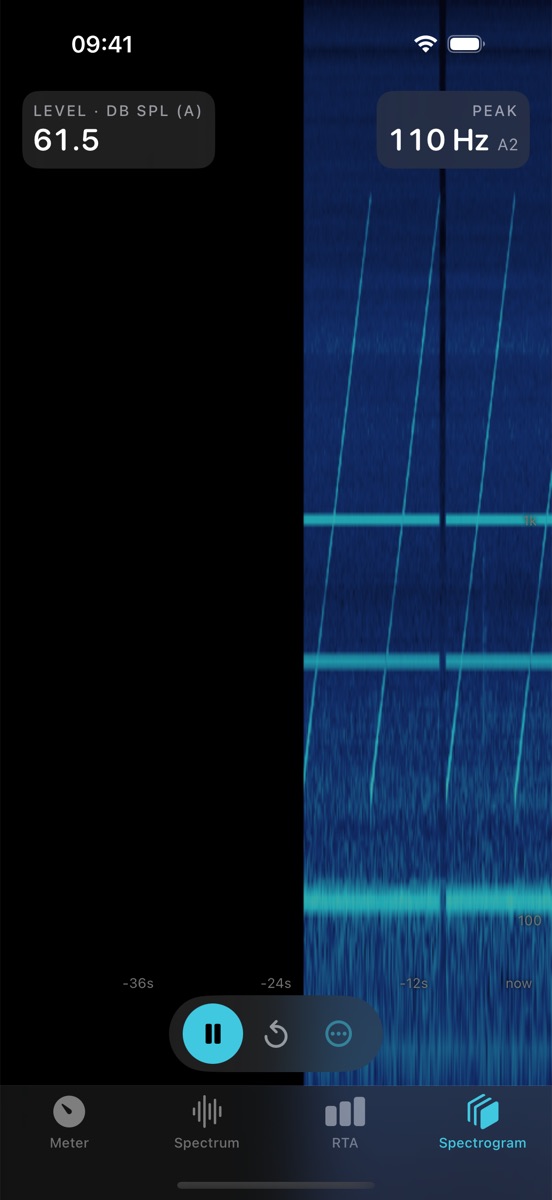
Spectrogram
A scrolling picture of frequency over time, so you can see when a sound starts, how long it lasts and how its pitch moves.
Recordings
Record audio while you measure. Play back, rename, share or delete recordings in the app; they also appear in the Files app.
Adjustable and private
Choose the FFT size, window and display range, set a calibration offset, and pick from three themes. All processing happens on your iPhone. No account, ads or tracking.
Good to know
- Requirements
- iPhone with iOS 17 or later. Scalar needs microphone access to work.
- Accuracy
- Phone microphones are not certified measurement instruments, so readings are estimates. You can calibrate Scalar against a reference meter in Settings. Don't rely on it where a certified meter is required.
- Privacy
- Scalar does not collect any data. Audio is analyzed on your device and is only saved when you start a recording. Read the privacy policy.
- Help
- See Scalar support or email hello@bonsaigo.com.